Show where AI entered the project, which output survived into the final work, and what you changed or verified yourself. Pick one design decision and bring versions you have permission to show. Credit teammates for their contributions.
Add four notes to one portfolio project
- Generation. What did AI help with? Say whether it produced concept sketches, made an asset in the final version, or helped organize your explanation.
- Selection. What did you keep, reject, or change? Point to one constraint and the corresponding version.
- Verification. What requirement did you check? State the method, result, and anything still untested.
- Attribution. What did you, teammates, or providers do? What are you allowed to show in the interview?
Build the page around versions, decisions, and checks before you rehearse your answer.
A line you can adapt: “I used [tool] for [step]; [asset or draft] made it into [version]. I decided [change] because [constraint] and checked [result] using [method]. [Team member or role] owned [their part].” Omit identifying details if your permission does not cover them.
Show where generated material entered the project
“AI-assisted design” can mean organizing feedback, exploring compositions, or generating the final hero image. Each calls for different evidence. Describe the use specifically enough that someone can locate it.
If AI helped organize your explanation, credit the people who made the layout and assets and checked the work. If it generated sketches, label the images that were used only to explore directions in the versions you're allowed to share. If generated content made it into the final design, identify it where it appears, then describe your own layout, editing, adaptation, and delivery. Credit group decisions as shared and say what proposal or check you contributed.
Nielsen Norman Group's portfolio research reports that the UX hiring professionals it consulted were interested in the applicant's role, project constraints, revisions, and decisions. The sample describes UX hiring and doesn't establish a common scoring rule across all design interviews. NN/g UX portfolio guide
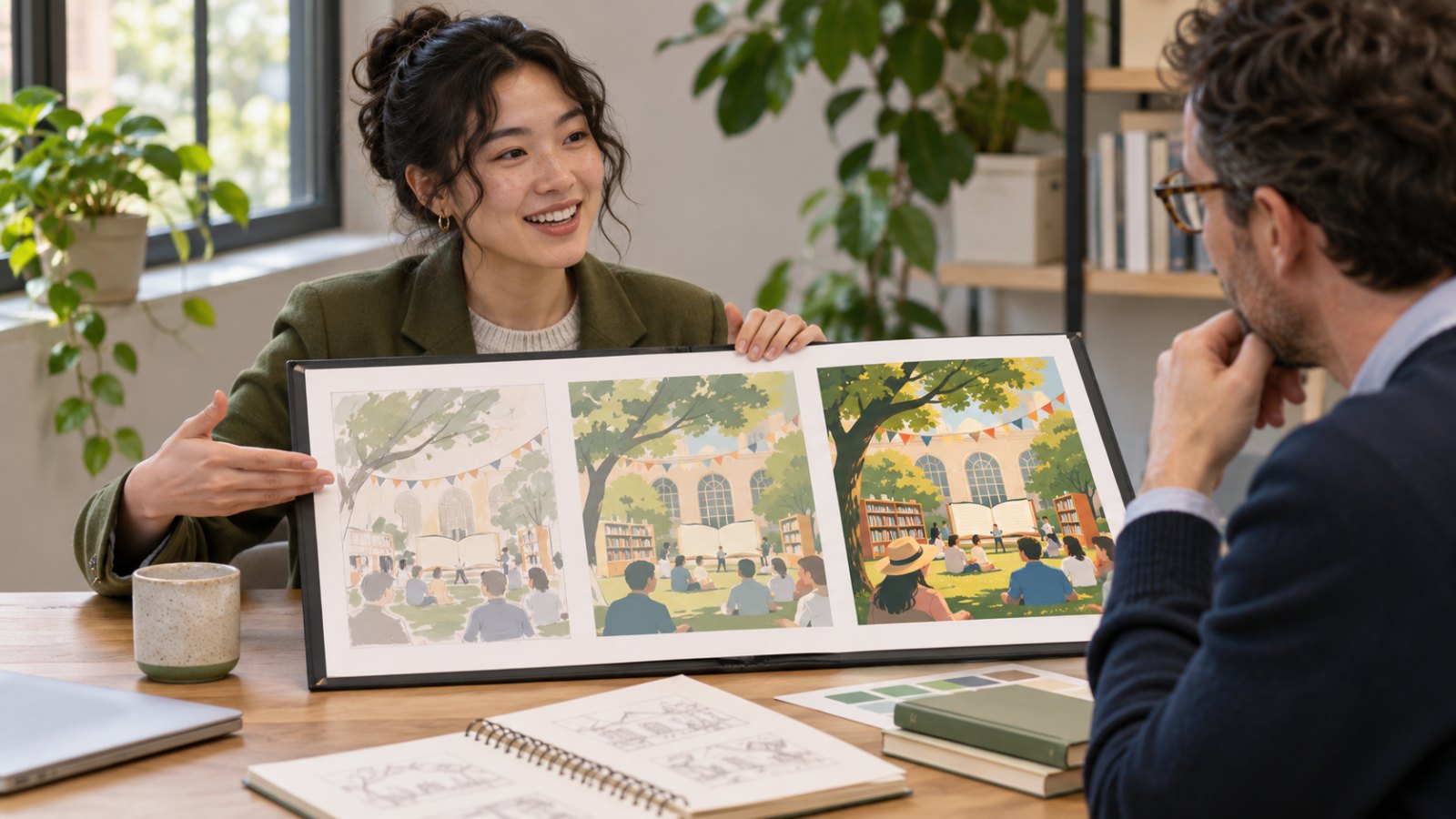
Walk through three versions of one poster
This is a fictional solo exercise for a weekend book-sharing event. The brief calls for an A3 poster for the venue and a vertical phone graphic. Time, location, and sign-up should stand out at a glance. There was no real client, launch, or user testing.
| Version | What happened | What it shows |
|---|---|---|
| V0: Concept | AI generated three illustration compositions for reference | Explored directions. Generated images did not appear in the final design |
| V1: Initial layout | I laid it out manually and kept the idea of a large illustration | First hierarchy. The event time looked too small on a phone |
| V2: Final layout | I redrew the image at a smaller size, moved time and location under the title, and rearranged the vertical version | A design decision tied to a visible revision |
Compare V1 and V2 at the same display size. Mark the time, location, and sign-up. Print the A3 proof at the intended size and check it at the intended viewing distance. If sign-up uses a QR code, scan the QR code and verify that it opens the correct test URL and label it as a demo in any public materials. Use portfolio examples and role descriptions to choose evidence suited to the job. Industrial designer profile · Industrial and graphic design portfolio comparison
A self-check can support statements that you noticed and corrected a layout problem or that your test link opened. Describe actual feedback only if you recorded how many people took part, what they tried, and under which conditions. With no launch or sign-up data, say you completed two sizes and checked a proof.
Use one change to demonstrate your contribution
Try this fictional answer, then substitute your own example. Have both versions ready to show.
This is a practice poster. I used AI to explore illustration compositions. I made the final image and layout. In my first version, the illustration made the time hard to find on a phone. I moved the time and location under the title and drew a smaller image. Here are the two versions at the same size. I checked a print proof, phone preview, and test sign-up link. It had no public launch or sign-up data.
- What part best shows your skill? Point to one decision, the constraint you were working under, the alternative you considered, and why you set it aside.
- What would you check if the deadline moved up one hour? Start with the time, location, sign-up, and dimensions. Then decide which decorative details you can simplify.
- Did AI make this image too? If you kept a generated base and redrew part of it, identify what you kept and what you changed. Show an authorized detail if useful.
Choose a project based on the role. A graphic design example can show layout and multiple formats. An interaction design example can show a shorter task flow, error states, and prototype checks. If you're choosing between several design paths, use the 94-question career assessment to identify activities you want to do more often, then look for evidence in job listings and your portfolio. Career-change portfolio guide
For industrial design, discuss dimensions, assembly, or a prototype's operating limits. If you used an image generator to visualize the exterior, explain which structural checks you did. A concept sketch and a prototype support different claims. For a timed, one-way video interview, review its practice and submission rules separately. AI video interview preparation
What can you show if the original files are restricted?
Check what you may share, where you can share it, and what the employer allows during interviews. Permission to use an asset, permission to publish a portfolio, and permission to use AI during the interview are separate. PA Consulting's public guidance says candidates should not use AI during interviews and gives separate authenticity rules for applications and take-home work. Check the rules for the role you're applying to. PA Consulting recruitment guidance
Separate public project pages, additional pages approved for the interview, and private notes you use to prepare. Confirm who can see any approved material. Use the title or caption to label a recreated, de-identified example and explain that it shows your process. When nothing may be shared, switch to a practice project you have the rights to show. Version and credit records help you answer accurately. Permission still governs what you can share.
If you need a suitable project, choose a small, reversible exercise and record feedback about one task. Afterwards, give someone familiar with the role one minute to see what AI did, what key decision you made, and how far you checked the result. If they miss an answer, move the relevant version, note, or limit somewhere easier to find. Turn research into a reversible experiment
Frequently asked questions
Do I need to list every prompt? Begin with the tool’s role and what reached the submitted work. Provide prompts only if the application asks for them and you have permission. If you used AI only to proofread the text, separate that from authorship of the final visual.